3 Canva AI Features Creators Should Know
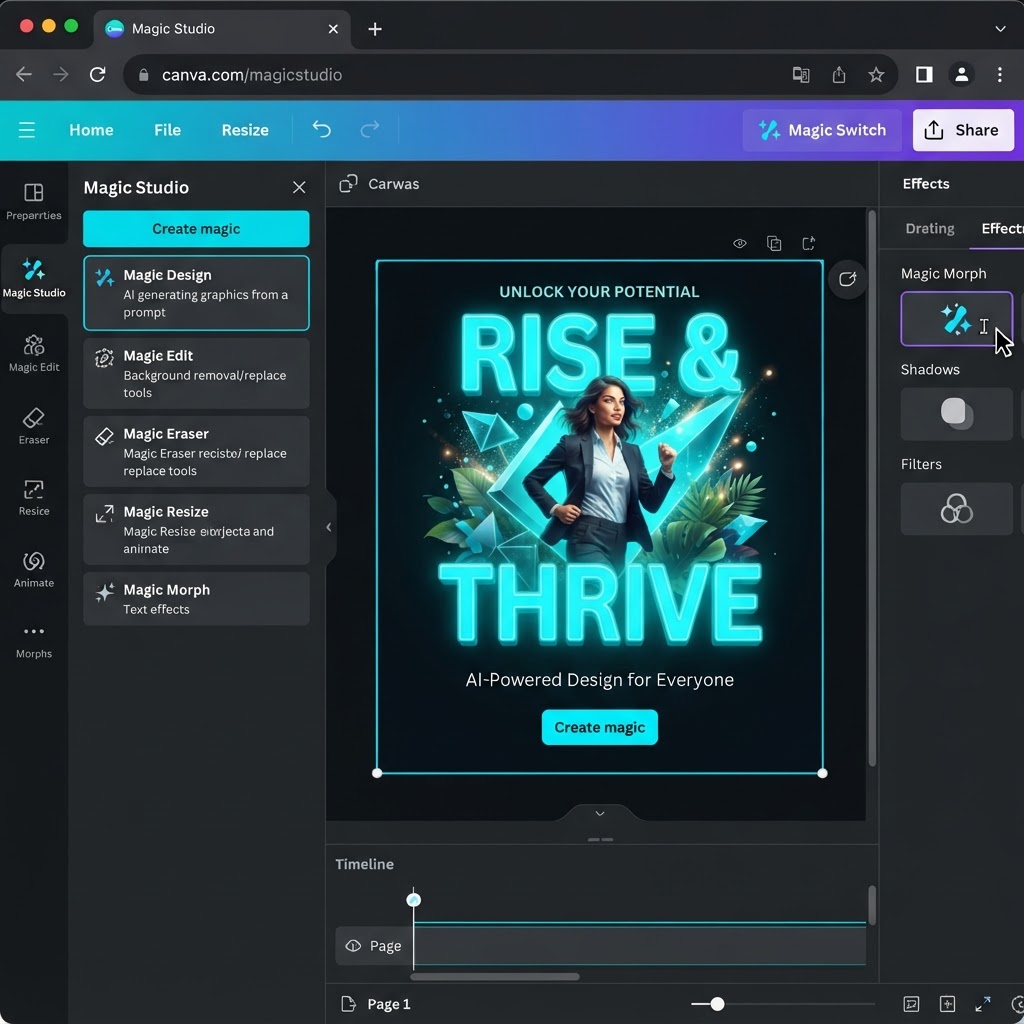
Canva's AI Tools Are a Game-Changer for Creators
I've tested dozens of AI design tools across 100+ client campaigns, and Canva's AI suite is one of the most underrated. Most creators I talk to still use Canva like it's 2020 — dragging and dropping every element manually. Here are the 3 Canva AI features that will genuinely change how you create content.
1. Magic Design: Generate a Full Layout From a Prompt
Magic Design takes a text prompt — "Instagram post for a coffee shop promoting a summer sale" — and generates complete, on-brand layout options in seconds. Instead of starting from a blank canvas, you start from a finished draft and just tweak it.
How I use it:
- Type a short description of the post I need
- Pick the layout that's closest to my brand style
- Swap in my logo, fonts, and colors with Brand Kit
- Export — total time: under 2 minutes per design
2. Magic Write: AI Copywriting Built Into Your Designs
Staring at a headline you can't get right? Magic Write drafts captions, taglines, and body copy right inside the editor. It rewrites text to match a tone (professional, playful, punchy) and can shorten or expand copy to fit your layout.
My workflow:
- Draft the rough idea myself
- Have Magic Write generate 3-5 headline variations
- Pick the strongest one and tighten it manually
The AI won't replace a good copywriter, but it kills blank-page paralysis — and that's where most creators lose time.
3. Magic Edit and Magic Grab: Fix Photos Without Photoshop
This one feels like cheating. Brush over any part of a photo and describe what you want changed — remove a distraction, add an element, replace a background — and Magic Edit does it. Magic Grab lets you reposition the subject of a photo freely, which used to require manual background removal.
For creators shooting product photos or headshots on a budget, this alone replaces hours of retouching.
The Bottom Line
You don't need to be a designer to produce professional content anymore — you need to know which tools to reach for. Start with Magic Design for layouts, Magic Write for copy, and Magic Edit for photos, and you'll cut your design time in half.
Want a full content system built around your brand? Schedule a free strategy session with New Gen Marketing Company.