Google Business Profile Optimization: Rank #1 on Google Maps
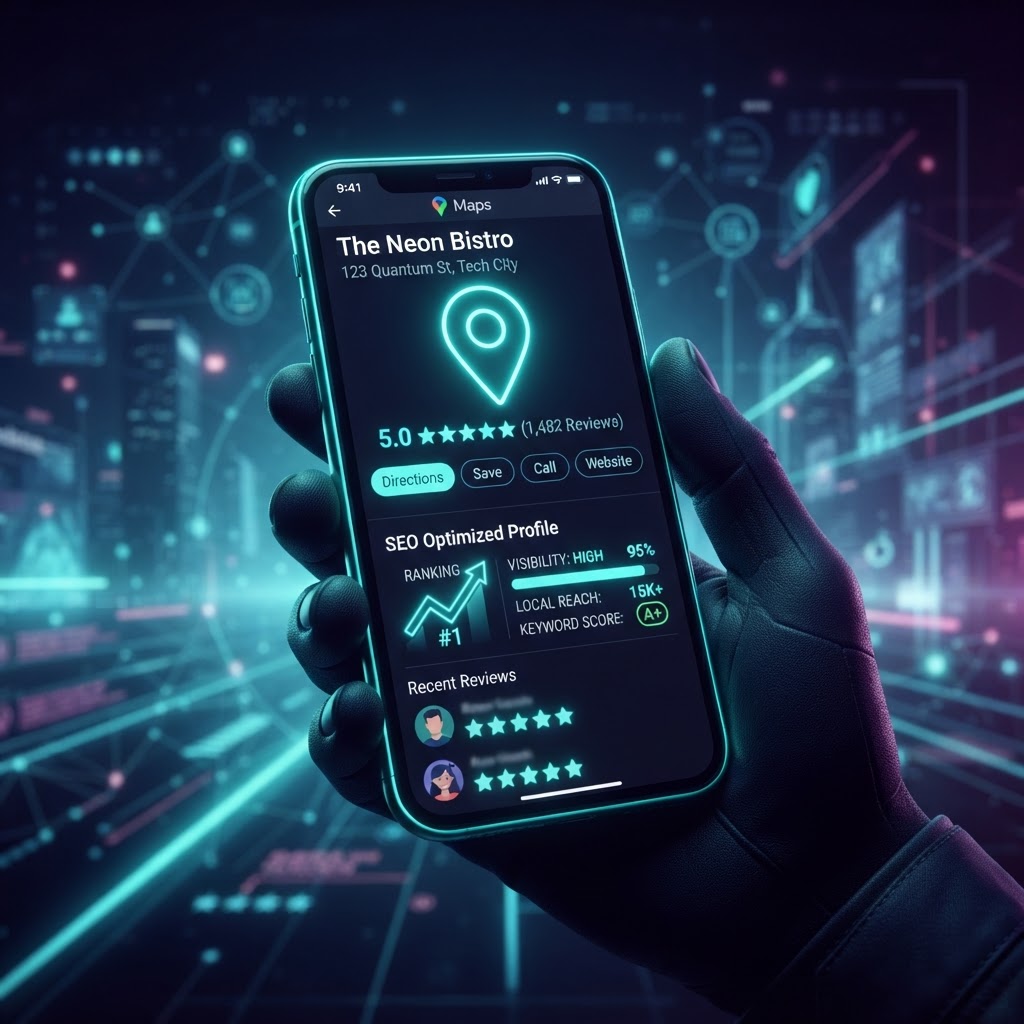
Why Your Google Business Profile Is Critical
When someone searches for a local business on Google, the first thing they see is the "Local Pack" — the map with three business listings. Appearing in this pack drives 44% of total search clicks. Your Google Business Profile (GBP) is the #1 factor in getting there.
Step 1: Claim and Verify Your Listing
If you haven't claimed your Google Business Profile, do it now. Go to google.com/business, search for your business, and follow the verification process. This is free and takes just a few minutes.
Step 2: Complete Every Section
Google rewards complete profiles. Fill out:
- Business name — use your real business name (don't keyword stuff)
- Category — choose the most specific primary category
- Services — list every service you offer with descriptions
- Products — add products with photos and prices
- Hours — keep them accurate, especially for holidays
- Attributes — select all that apply (women-led, wheelchair accessible, etc.)
- Description — write a keyword-rich description (750 characters max)
Step 3: Upload Photos Regularly
Businesses with more photos get more clicks and calls. Aim for:
- 50+ total photos — exterior, interior, team, products
- New photos weekly — Google rewards fresh content
- High quality — well-lit, professional-looking images
- Before/after photos — especially for service businesses
Step 4: Collect and Respond to Reviews
Reviews are the second most important local ranking factor. Here's how to maximize them:
- Ask every happy customer — in person, by text, or email
- Make it easy — send a direct link to your review page
- Respond to every review — thank them for positive, address negative
- Respond within 24 hours — Google tracks response time
- Never buy reviews — Google will suspend your listing
Step 5: Post Regular Updates
Google Business Profile posts are free and boost your visibility. Post:
- Updates — news, announcements, events
- Offers — discounts and promotions
- Products — feature specific products or services
- Aim for 2 posts per week minimum
Step 6: Use Google Business Profile Messaging
Enable messaging so customers can contact you directly from search results. Respond quickly — Google displays your average response time.
Step 7: Track Insights
Google provides detailed analytics in your GBP dashboard:
- Search queries — what keywords people use to find you
- Call clicks — how many people call from your listing
- Direction requests — how many people get directions
- Website clicks — traffic from your GBP
Use these insights to refine your strategy.
The Bottom Line
Optimizing your Google Business Profile is the single most impactful thing you can do for local SEO — and it's completely free. Spend 30 minutes a week maintaining your profile, and you'll see a significant increase in calls, direction requests, and website traffic.
Want expert help with your local SEO? Book a free strategy session with New Gen Marketing Company.