How I Create Instagram Carousels with Canva + AI
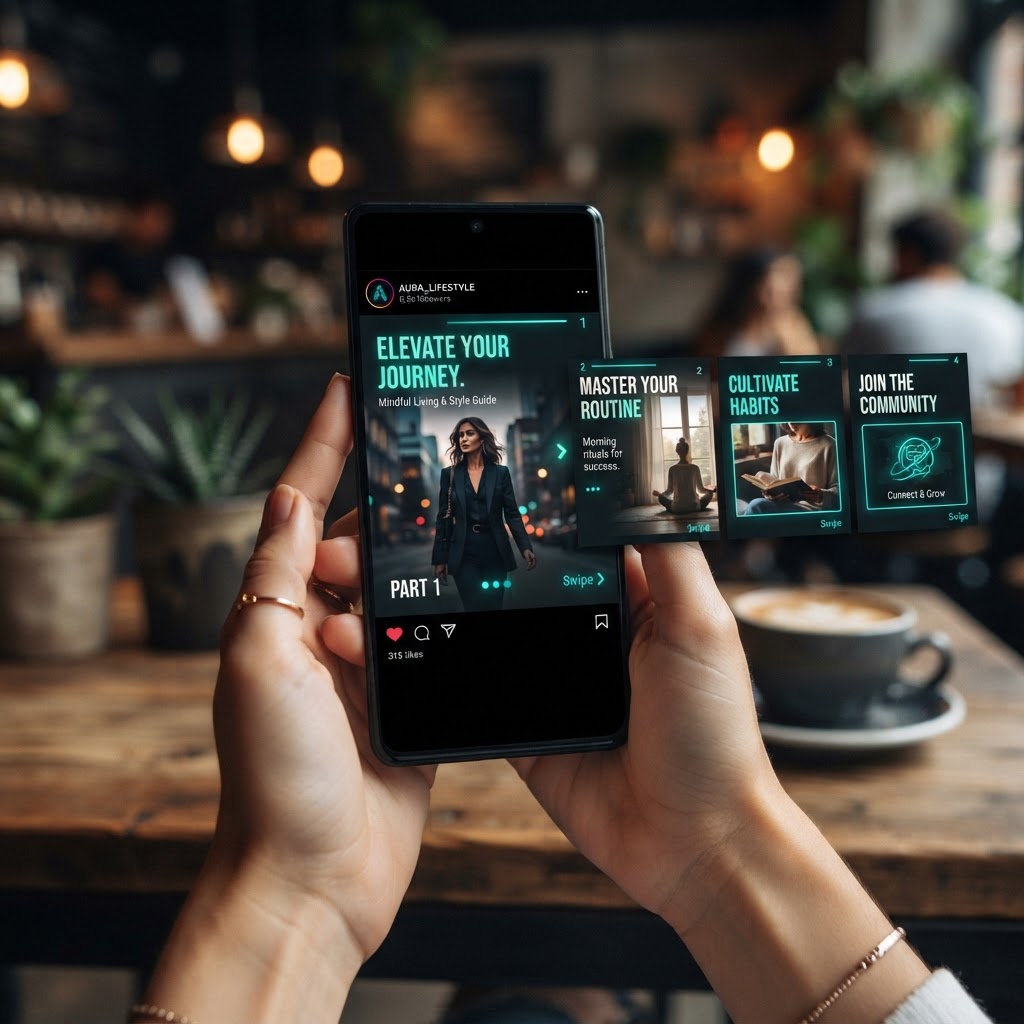
Why Carousels Are the Best Format on Instagram
Carousels consistently outperform single-image posts — they get 2-3x more reach because every swipe signals the algorithm that your content is engaging. But designing 5-10 connected slides used to take hours. Here's my exact process for producing them fast with Canva + AI.
Step 1: Outline With AI (10 Minutes)
Every good carousel tells a story: a hook, 3-7 value points, and a closing CTA. I start by having AI outline the slide-by-slide structure:
- Slide 1: The hook — the one line that makes people stop scrolling
- Slides 2-6: One idea per slide, big text, minimal clutter
- Final slide: CTA — save this, share it, or follow for more
The outline matters more than the design. If slide 1 doesn't grab attention, nothing behind it gets seen.
Step 2: Pick a Canva Carousel Template (5 Minutes)
Canva has dedicated multi-page carousel templates sized exactly for Instagram (1080x1350). I search "Instagram carousel," pick one with a clean structure, and apply my Brand Kit so fonts and colors match everything else on the account.
Step 3: Generate Visuals With Magic Design (15 Minutes)
For slides that need imagery, Magic Design generates on-brand graphic options from a description. For data or process slides, I use Canva's chart and icon libraries and let Magic Edit clean up any photos I want to feature.
Consistency rules I follow across every slide:
- Same 2-3 colors, same 2 fonts, nothing else
- Max 15 words per slide
- One focal point per slide
Step 4: Write Slide Copy With Magic Write (10 Minutes)
Magic Write drafts the headline for each slide. I give it the outline and ask for punchy, 10-word-max lines per slide, then tighten them manually. The hook slide gets the most attention — I usually rewrite it 3-4 times.
Step 5: Review the "Swipe Flow" (5 Minutes)
This is the step everyone skips. I flip through the carousel the way a scroller would:
- Does slide 1 make slide 2 irresistible?
- Does each slide create an open loop that the next slide closes?
- Does the last slide make saving or sharing feel natural?
Step 6: Export and Post
Export all pages, upload in order, and put the full text of the carousel in the caption for accessibility and extra keyword reach. Post between 11am-1pm or 7-9pm, when engagement peaks.
The Bottom Line
A carousel that used to take me 3 hours now takes about 45 minutes. The AI handles the repetitive parts — but the hook, the flow, and the CTA are still what make it perform. Master those three, and the design is the easy part.
Want carousels created for you every month? Schedule a free strategy session with New Gen Marketing Company.